Creating Your Account
Sign up for Tempreon and verify your email in under 2 minutes.
Sign Up
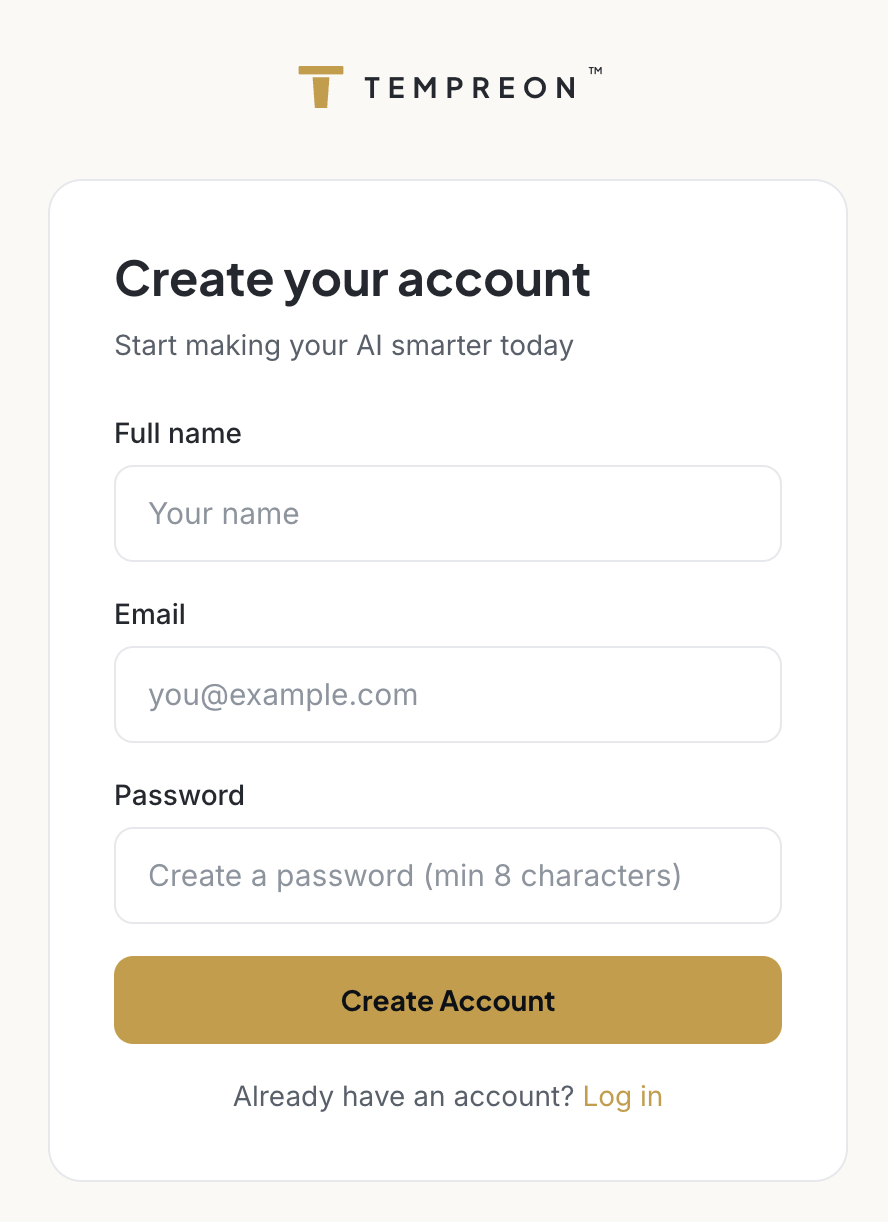
- Go to tempreon.com/signup
- Enter your full name, email address, and choose a password (minimum 8 characters)
- Click Create Account
Verify Your Email
After signing up, you'll see a confirmation message asking you to check your inbox.
- Open the verification email from Tempreon
- Click the verification link
- You'll be redirected to the onboarding flow
Didn't receive the email? Check your spam folder. Verification emails come from noreply@tempreon.com. If you still don't see it, try signing up again with the same email — a new verification link will be sent.
What Happens Next
Once your email is verified, you'll land on the onboarding screen. This is where Tempreon gets to know you through a short conversation (or a form, your choice). The whole thing takes about 15 minutes.
Your account starts on the free plan automatically. You can upgrade anytime from your Settings page or the Pricing page.
Security Notes
- Your password is hashed and never stored in plain text
- All sessions use encrypted connections
- Tempreon checks passwords against known breach databases to prevent use of compromised credentials
- You can reset your password anytime from the login page
Next Steps
Account created? Head to the Quick Start Guide to get connected.